
The Event Lifecycle (Statuses and Review)
Overview
Events progress through multiple statuses based on how they are created, completed, and reviewed.
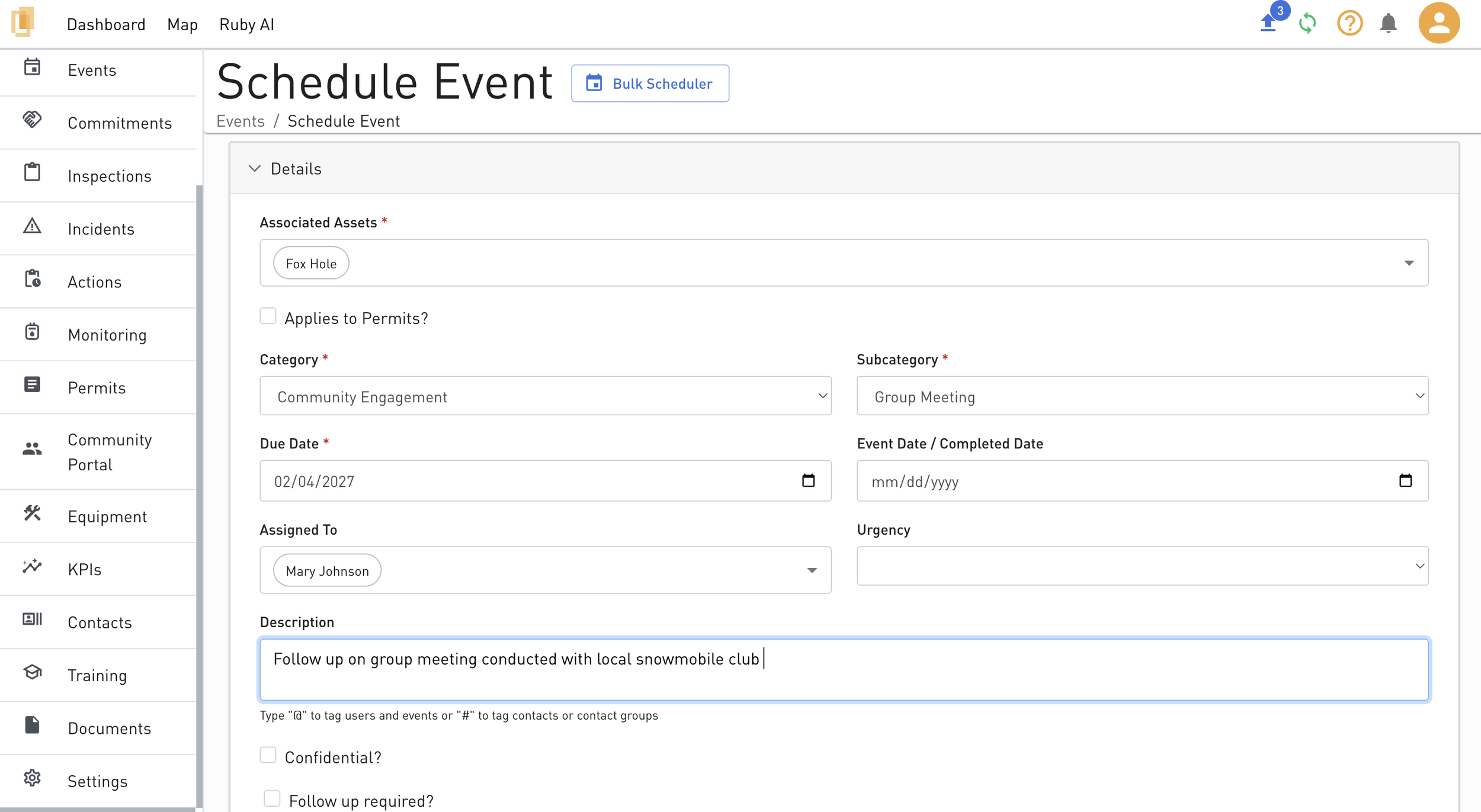
Adding vs. Scheduling Events
When creating a new event, there are two options: Schedule Event or Add Event. Each option affects the event’s required fields and initial status.
Schedule Event
Use Schedule Event when an event will occur in the future.
The Due Date is required.
After scheduling, the event status will be one of the following:
Incomplete
Incomplete (Overdue) (if the due date has passed)
To complete a scheduled event:
Populate the Event Date / Completed Date.
The event status will then change to:
Complete, or
Pending Actions (if the event has actions that have not been closed)
Pending Review (if the event category requires final review)
Add Event
Use Add Event when the event has already occurred.
The Event Date / Completed Date is required.
When adding an event, you can choose one of the following options:
Save as Draft
Save and Submit
Save as Draft
The event enters the Draft status.
The event remains in Draft until it is submitted from the event details page.
Save and Submit
The event is submitted immediately.
The event status will change to:
Complete, or
Pending Actions (if the event has actions that have not been closed)
Pending Review (if the event category requires final review)
Reviewing an Event
If an event category is configured to require final review:
The event will enter the Pending Review status before becoming Complete.
Only users with the Organization Admin or Event Admin role can perform an event review.
Reviews are submitted from the event details page.
Once the review is completed, the event status changes to Complete.
Important Notes
Events created through the email integration initially enter the Pending Email Review status.
For more information, see Event Email Integration.