
Configure Event Settings
Overview
Event settings control how events are categorized, managed, and what data is collected on the event form.
Steps
Navigate to Settings → Events.
Update the relevant settings:
Event Additional Fields
Specify which fields appear on the event form. Fields can apply to:
All events, or
Events within a specific category or subcategory.
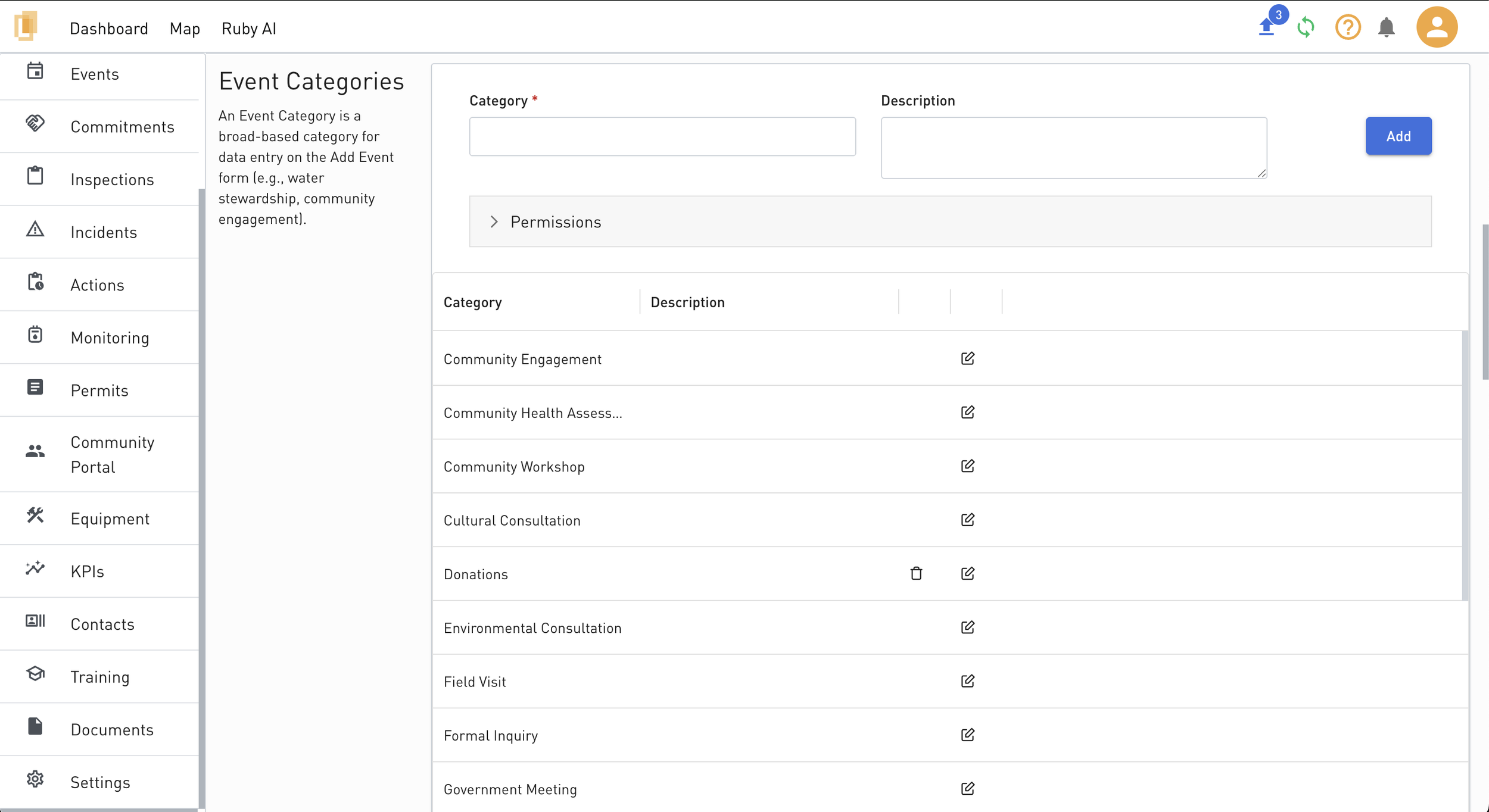
Event Categories
Define the available event categories and user permissions. Categories can be configured to:
Require a subcategory
Require final review
Be marked as a Community Engagement category
Community engagement events display additional sections, including:
Correspondence Log
Commitments
Materiality
Grievances
Event Subcategories
Define subcategories for each event category.
Event Correspondence Log Types
Specify the types of correspondence logs that can be associated with events.
Event Action Assignment Workflows
Configure who is assigned to specific event action stages (for example, approval and verification).
Event Action Notification Workflows
Configure who is notified at specific event action stages.
Important Notes
Updating existing settings
Changes to event settings are applied to all events, including existing events.
Historical event data is updated to reflect the current configuration.
This includes updates to categories, subcategories, additional fields, and workflows.
Deleting settings
Settings cannot be deleted if they are currently in use by existing events.
This prevents data loss and preserves historical event integrity.
Access and permissions
Only users with the Organization Admin or Event Administrator role can add, update, or delete event settings.